

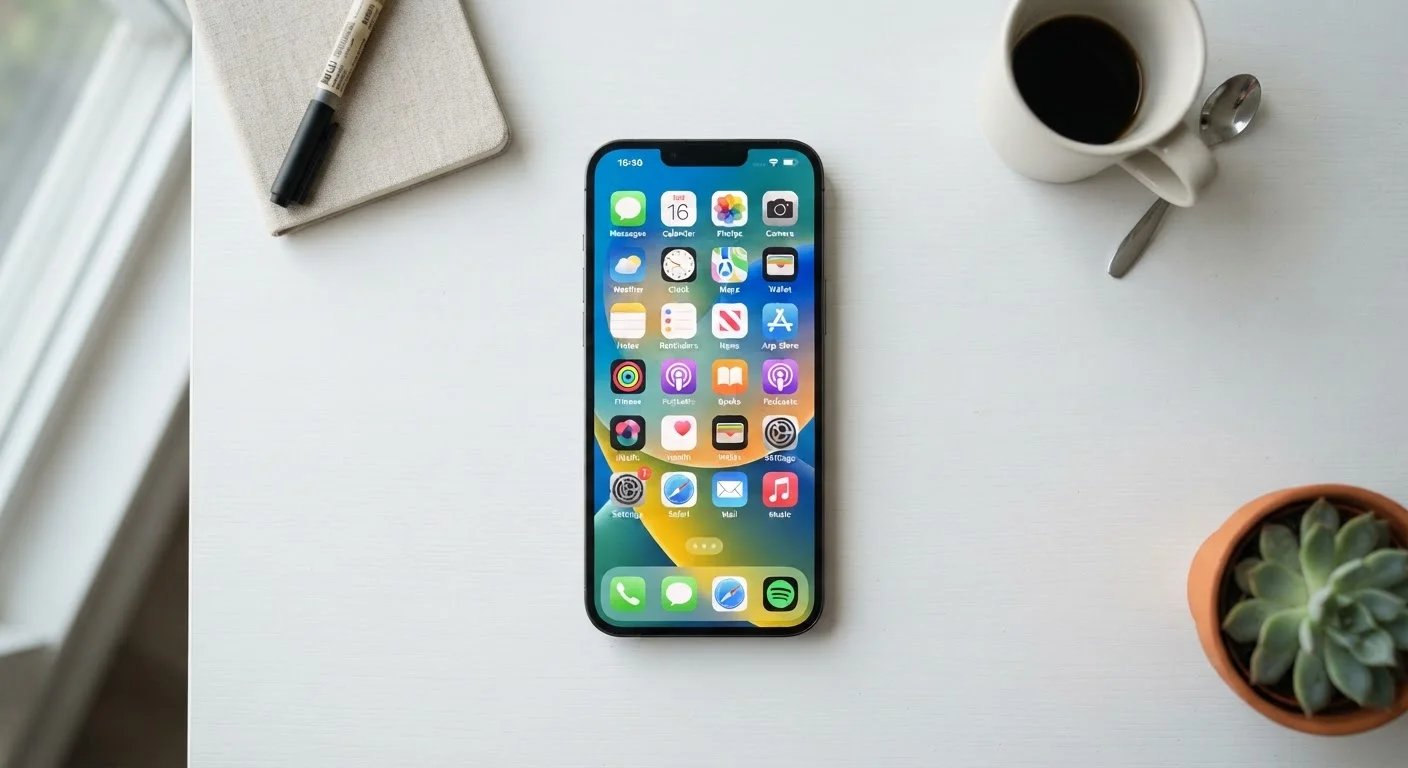
What 'Built-In' Actually Means
Every smartphone ships with a collection of pre-installed apps - sometimes called stock apps or system apps. These come from two sources: the operating system maker (Apple for iOS, Google for Android) and, on Android especially, the device manufacturer or carrier. Some can be deleted; others are baked into the OS and cannot be removed without advanced workarounds.
Understanding which category an app falls into matters. System-level apps like your dialer, messaging client, and settings panel keep core functions running. Manufacturer additions - sometimes called bloatware - are pre-installed but often replaceable. Knowing the difference helps you decide what to keep, what to ignore, and what can safely be disabled. For a deeper look at how different app formats are built, see our explainer on native and web apps.
| Typical pre-installed apps on Android | 30-60 apps at first boot (Varies by manufacturer and carrier) |
| Typical pre-installed apps on iPhone | Approximately 35 apps (Apple default iOS configuration) |
| Can all pre-installed apps be deleted? | No - system apps cannot; many others can be disabled |
| Where to manage pre-installed apps | Settings > Apps (Android) or Settings > General > iPhone Storage (iOS) |
| Stock camera advantage | Full hardware access for features like Night Mode and computational photography |
A Category-by-Category Breakdown
Rather than listing individual apps by name, it's more useful to understand what each category does - because the names vary by platform and manufacturer.
Communication
Your phone (dialer), contacts, and messaging apps are foundational. These handle calls, SMS, and often RCS (a richer messaging standard). Most platforms also include a built-in video calling option. These are generally worth keeping as your defaults unless you have specific privacy or feature needs that a third-party app addresses.
Productivity & Organization
The built-in calendar, clock, notes, and reminders apps are frequently underestimated. For most everyday use - appointments, grocery lists, wake-up alarms - they do the job without the overhead of a subscription tool. Before downloading yet another productivity app, consider getting more from the apps you already have.
Media & Camera
The camera, photos, and music/podcast players are typically polished and tightly integrated with your device's hardware. The camera app in particular often exposes features - like Night Mode or portrait depth controls - that third-party alternatives can't fully access on the same device.
Files & Storage
A files or file manager app lets you browse, move, and delete documents and downloads. It's also the easiest way to find items you've saved from emails or browsers. On both iOS and Android, these apps now support cloud storage access alongside local storage.
Settings & System Utilities
The Settings app is where you control Wi-Fi, Bluetooth, notifications, display brightness, accessibility options, and privacy permissions. Spending ten minutes exploring your settings panel is one of the most practical things a new phone owner can do. To understand what permissions mean when apps request them, see our guide to app permissions.
Health & Wellness
Most modern phones include a health or wellbeing app that tracks steps, screen time, sleep (if paired with a wearable), and digital habits. These apps use sensor data already collected by your phone, so enabling them has minimal battery or privacy cost. Note that these tools provide general tracking data - not medical diagnoses or clinical assessments.
What You Can Safely Ignore (or Disable)
Carrier-installed apps - think branded navigation tools, entertainment portals, or redundant app stores - are frequently the least necessary pre-installs. On most Android devices, you can disable these without deleting them: go to Settings > Apps, select the app, and tap Disable. This stops them from running in the background without voiding anything.
Manufacturer duplicates are another common case. If your phone ships with both a stock Android browser and a manufacturer browser, pick one and disable the other. Running two of the same tool accomplishes nothing and can create notification clutter.
If you're setting up a phone for the first time and want to think through what to preserve from your old device, this walkthrough on transferring data safely covers what to check before you start.
Stock App
An app that comes pre-installed on a device by the operating system maker or manufacturer. Stock apps are ready to use out of the box and are often more tightly integrated with hardware than third-party alternatives.
Bloatware
Pre-installed apps added by device manufacturers or carriers that many users don't need or want. These apps consume storage and can sometimes run in the background, though they can often be disabled without affecting core device functions.
System App
A core app required for the device's operating system to function correctly - such as the dialer, settings panel, or app store. System apps generally cannot be deleted without advanced technical access.
Disable (an app)
A setting available on Android that stops a pre-installed app from running and hides it from your app drawer, without fully deleting it. The app remains on the device and can be re-enabled at any time through Settings.
RCS (Rich Communication Services)
A messaging standard that upgrades traditional SMS with features like read receipts, typing indicators, and higher-quality media sharing. RCS is built into many modern Android messaging apps and is now supported on iPhone as well.
The content on this site is for informational purposes only and is not a substitute for professional advice. Always consult a qualified professional for guidance specific to your situation.