

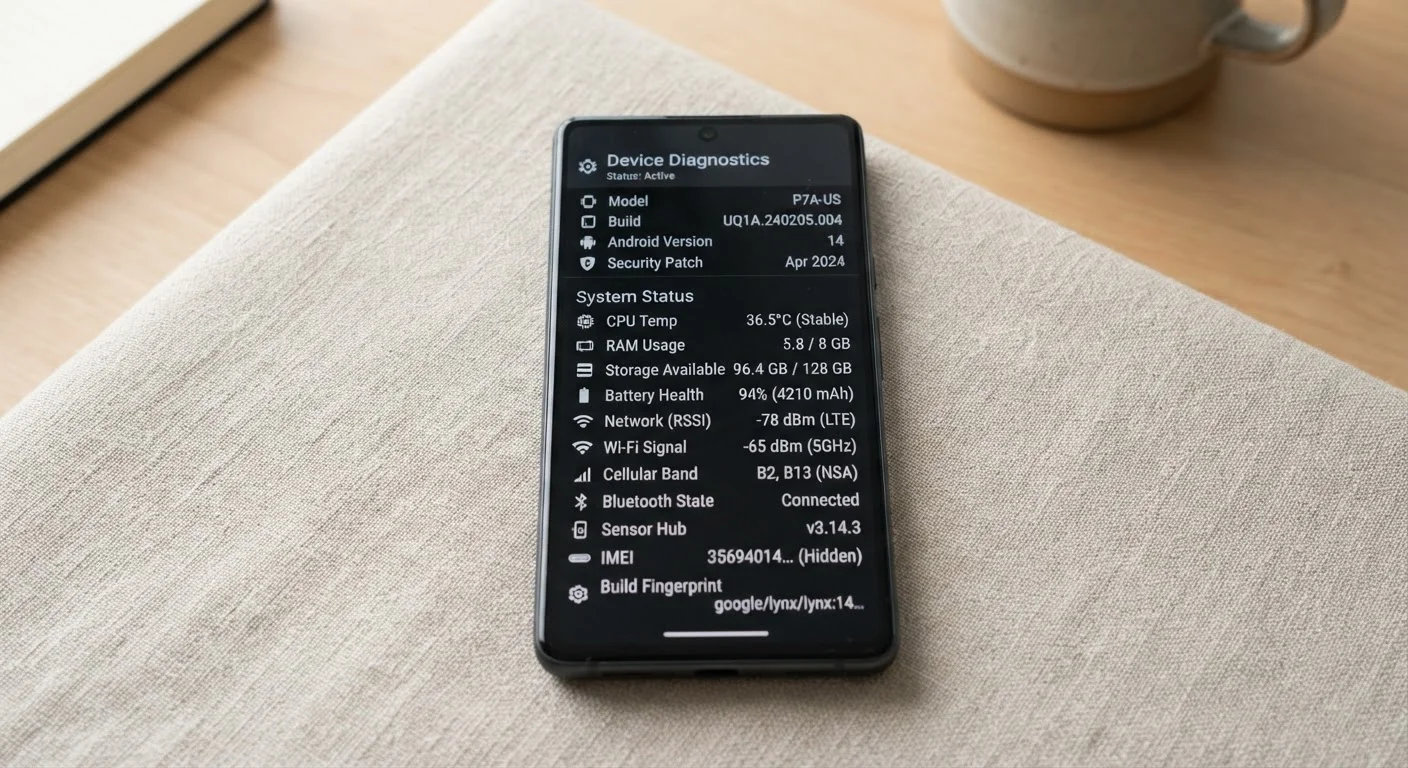
Why Your Settings Screen Looks Like an Acronym Dictionary
Open your phone's settings and scroll past Wi-Fi and Bluetooth, and things get unfamiliar fast. Labels like APN, VoLTE, NFC, and AGPS appear with little explanation. These aren't random jargon — each one controls something real about how your phone connects, communicates, and behaves. Understanding them helps you troubleshoot problems, make smarter choices, and avoid accidentally disabling features you rely on.
This reference decodes the most common terms you'll encounter on Android and iPhone settings screens. For a broader look at connectivity terminology, see our guide to Bluetooth, Wi-Fi, and mobile data.
| Most misunderstood setting | APN (Access Point Name) |
| Setting that enables contactless payment | NFC (Near Field Communication) |
| Call quality upgrade setting | VoLTE (Voice over LTE) |
| Device identifier found in settings | IMEI (15-digit unique phone ID) |
| Location technology used by map apps | GPS / AGPS |
| Where Developer Options is usually hidden | Tap 'Build Number' 7 times in About Phone |
Network and Connectivity Terms
These settings govern how your phone connects to mobile networks and the internet.
APN
Access Point Name. This is the gateway setting that tells your phone how to connect to your carrier's mobile data network. If mobile data stops working after switching carriers or SIM cards, an incorrect APN is often the culprit.
VoLTE
Voice over LTE. This allows phone calls to travel over a 4G LTE data connection instead of an older voice network. VoLTE calls are typically clearer and connect faster than traditional calls.
Wi-Fi Calling
A feature that routes voice calls over a Wi-Fi connection instead of (or in addition to) the cellular network. Useful in areas with weak cell signal but a strong Wi-Fi connection.
Roaming
When your phone connects to a network other than your home carrier's — typically when traveling outside your carrier's coverage area. Roaming can incur extra charges depending on your plan.
Band / Network Band
A specific range of radio frequencies your phone uses to connect to a cellular network. Different bands offer different trade-offs between speed and range; 5G, for example, uses several distinct bands.
DNS
Domain Name System. Acts like a phone book for the internet, translating website names (like example.com) into numerical addresses computers use. You can sometimes change your DNS server in Wi-Fi settings for faster browsing.
DHCP
Dynamic Host Configuration Protocol. Automatically assigns your phone an IP address when it joins a Wi-Fi network. This happens in the background; you only see it in advanced Wi-Fi settings.
IMEI
International Mobile Equipment Identity. A unique 15-digit number that identifies your specific phone. Carriers use it to block stolen devices; you may need it if your phone is lost or when switching carriers.
If you want to understand how these network labels — like LTE and 5G — translate to real-world speeds, our article on data speeds decoded covers exactly that.
Feature and Hardware Abbreviations
Beyond network settings, phones include a range of built-in hardware features with their own shorthand.
- NFC (Near Field Communication): Lets your phone communicate wirelessly with another NFC-enabled device or tag at very close range (usually an inch or two). Used for contactless payments, sharing files, or scanning smart tags.
- GPS / AGPS: GPS is the satellite system that determines your location. AGPS (Assisted GPS) speeds up location fixes by also using cell towers and Wi-Fi networks. Both are used by maps and navigation apps.
- HDR (High Dynamic Range): When applied to your display, HDR means the screen can show a wider range of colors and brightness levels, making video look richer. When applied to the camera, it blends multiple exposures for a better-balanced photo.
- OEM Unlocking: Found in Developer Options, this allows the device's bootloader (the software that starts your phone) to be unlocked. Most users never need this; it's intended for advanced users and developers.
- DND (Do Not Disturb): Silences calls, alerts, and notifications according to rules you set. You can usually allow exceptions, such as calls from specific contacts.
Understanding what your hardware features do also connects to how apps interact with them — our piece on app permissions explained is a useful companion read.
Developer Options: Handle With Care
Many phones hide an advanced menu called Developer Options, unlocked by tapping 'Build Number' seven times in the About Phone section. It contains powerful settings — including OEM Unlocking and USB Debugging — intended for app developers and advanced users. Changing settings here without knowing what they do can affect how your phone performs or behaves, so it's best left alone unless you have a specific, researched reason to use it.
Settings That Affect Battery and Performance
Some settings directly influence how long your battery lasts and how smoothly your phone runs.
- Adaptive Battery / Battery Optimization: Your phone learns which apps you use often and restricts background activity for apps you rarely open, extending battery life.
- Background App Refresh: Allows apps to update their content while you're not actively using them. Turning this off for unused apps can save battery and data.
- RAM (Random Access Memory): Displayed in storage or developer settings, RAM is your phone's short-term working memory. More RAM generally means smoother multitasking. You can't add RAM, but restarting your phone clears it. Our article on why phones slow down over time explains how RAM and storage affect performance.
- Safe Mode: Starts your phone with only the manufacturer's original software running — no third-party apps. Used to diagnose whether a downloaded app is causing crashes or slowdowns.
For a related deep-dive, see mobile plan terms every American should understand — many plan-level settings (like hotspot toggles) live right inside your phone's settings menu.
The content on this site is for informational purposes only and is not a substitute for professional advice. Always consult a qualified professional for guidance specific to your situation.