

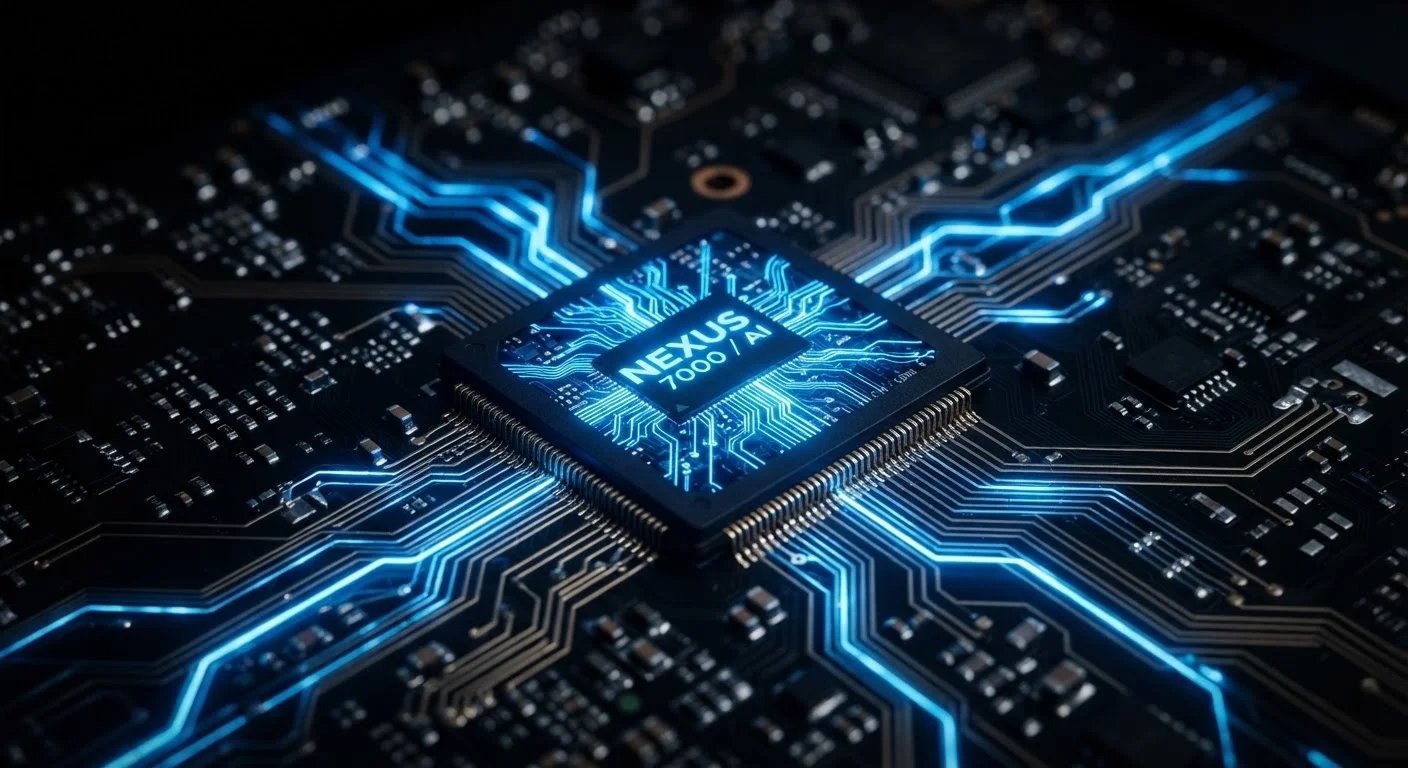
The Basic Job: Fetch, Decode, Execute
At its core, every CPU repeats the same three-step loop billions of times per second: fetch an instruction from memory, decode what that instruction means, and execute it. This happens so rapidly that you experience it as instant response - but every scroll, video frame, and autocorrect suggestion is the result of this cycle running at extraordinary speed.
Think of the CPU as an extremely fast office manager. It reads a request, decides how to handle it, delegates to the right department (memory, display, network), and moves immediately to the next request. No single task is complicated; the speed is what makes it feel seamless.
This is also why a sluggish CPU creates a ripple effect across your whole device. If the manager is overloaded or slow, every department waits - and you notice it as lag.
Clock Speed and Cores: Two Different Things
When you see a processor described as "3.2 GHz," that figure refers to clock speed - how many processing cycles the chip completes every second (3.2 billion, in that case). A higher number generally means faster individual task completion.
But clock speed alone doesn't tell the whole story. Modern CPUs contain multiple cores - essentially independent processors on the same chip. A quad-core (four-core) CPU can work on four separate tasks simultaneously, even if each core runs at a modest clock speed. For everyday multitasking - streaming music while browsing while a background app syncs - more cores often matter more than raw GHz.
~3 GHz
Typical smartphone CPU clock speed
Most flagship smartphones ship with processors operating between 2.5 and 3.5 GHz across their performance cores, though efficiency cores run considerably lower.
4-12
Core count range in consumer device CPUs
Modern smartphones commonly feature 8 cores in a split performance/efficiency configuration; high-end laptops can reach 12 or more cores in a single chip.
~40%
Performance gain per generation in leading chips
Semiconductor industry reports have noted generational CPU performance improvements of roughly 15-40% in major chip releases, driven primarily by architectural improvements rather than clock speed increases.
Most smartphones and laptops now ship with chips that combine high-performance cores (for demanding tasks) and efficiency cores (for lighter background work). This hybrid design helps balance speed and battery life rather than simply chasing the highest clock speed.
Heat, Throttling, and Why It Matters to You
Processing generates heat. When a CPU runs intensive tasks - editing video, playing a graphics-heavy game, running complex software - it heats up. Most devices manage this through cooling systems: fans in laptops and desktops, heat pipes and graphite layers in phones.
When a chip gets too hot, it deliberately slows itself down. This is called thermal throttling, and it's a safety mechanism, not a malfunction. The result is a device that feels sluggish under load even though nothing is technically broken.
This is one reason keeping your device cool and well-maintained directly affects performance. Blocked vents, extreme ambient temperatures, and aging thermal paste (in laptops) can all cause throttling to kick in earlier and more often.
The CPU Doesn't Work Alone
The CPU is powerful, but it depends on the rest of the device to function. RAM (Random Access Memory) acts as the CPU's short-term workspace - it holds data the processor is actively using so it doesn't have to retrieve everything from slower storage. A CPU paired with too little RAM will bottleneck no matter how fast it is. For a deeper look at how those two components interact, see how RAM and storage differ and why it matters.
The GPU handles graphics rendering, relieving the CPU of visually intensive work. The storage drive supplies apps and files when needed. And the operating system acts as a traffic controller, deciding which apps get CPU time and how much. Understanding the CPU in isolation only gets you so far - it's the coordination of all these parts that determines how a device actually feels to use. You can also explore how display specs like resolution and refresh rate affect your experience, since those outputs ultimately depend on the CPU and GPU working in tandem.
This article is for general informational and educational purposes only. Specifications and chip architectures vary widely across manufacturers and product generations.
Frequently Asked Questions
A CPU processes instructions - it takes input from you or an app, figures out what to do with it, and sends results to the screen, speaker, or storage. Every action on your device flows through the CPU first.
Not necessarily. Clock speed matters, but core count, efficiency architecture, and how well software is optimized for the chip all affect real-world performance. A chip with fewer GHz but more cores may outperform a higher-GHz chip for multitasking.
A CPU handles general-purpose processing - logic, decisions, running apps. A GPU (Graphics Processing Unit) is specialized for rendering visuals and parallel computations. Devices typically have both, working together.
Software updates and apps often demand more from the CPU over time. Additionally, heat buildup and battery degradation can cause the CPU to throttle - intentionally slowing itself down to avoid damage.
Yes, significantly. A CPU that processes the same tasks using less power (higher efficiency) extends battery life. Chip designers now prioritize performance-per-watt as much as raw speed.
In smartphones, the CPU is soldered directly onto the main board and cannot be replaced. In most modern laptops it is also non-upgradeable. Desktop PCs are the main consumer category where CPU upgrades are still commonly possible.
The content on this site is for informational purposes only and is not a substitute for professional advice. Always consult a qualified professional for guidance specific to your situation.