

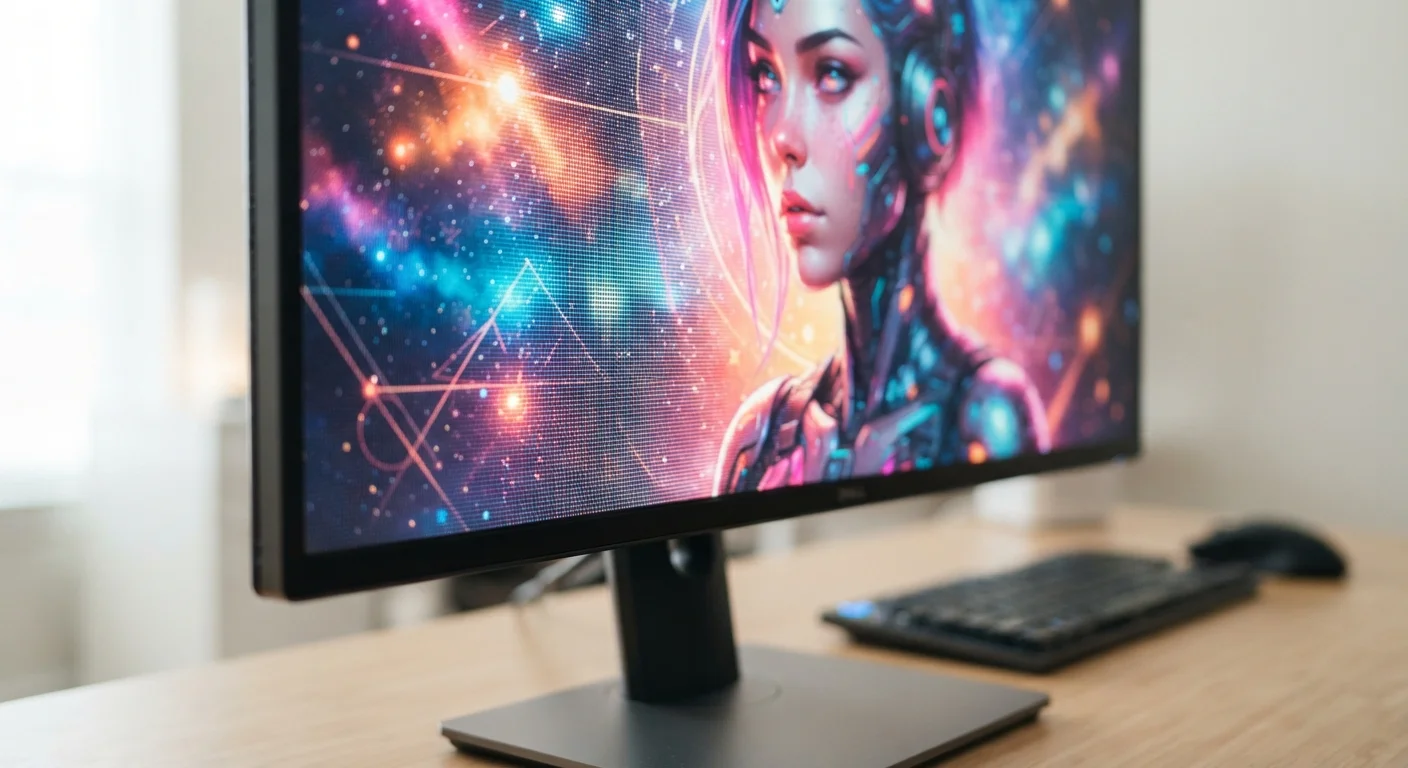
Resolution: Sharpness and Detail
Resolution describes the grid of tiny dots - called pixels - that make up everything you see on a screen. It is expressed as two numbers, such as 1920×1080, representing width by height. The more pixels a screen packs into that grid, the sharper text, photos, and video appear.
What matters just as much as raw resolution is pixel density - how many pixels fit into each inch of screen. A 4K display on a 75-inch TV and a 4K display on a 6-inch phone have the same resolution, but the phone's pixels are far more tightly packed. At a normal viewing distance, you simply cannot see individual pixels on the phone. On the large TV, you typically sit far enough back that 4K still looks crisp.
In practical terms: if text looks slightly fuzzy or images lack fine detail on your current screen, a higher-resolution panel would likely be a noticeable upgrade. If you mostly stream video at a distance, the jump from 1080p to 4K may be modest in everyday use.
| Common smartphone resolutions | 1080p (FHD) to 1440p (QHD) |
| Standard TV refresh rate | 60 Hz |
| Gaming monitor refresh rates | 144 Hz - 360 Hz |
| Typical indoor screen brightness | 250 - 500 nits |
| Outdoor-readable brightness threshold | 1,000+ nits |
| 4K resolution pixel count | 3840 × 2160 (≈8.3 million pixels) |
For a broader rundown of display terminology, see the Consumer Device Glossary for plain-language definitions.
Refresh Rate: Smoothness in Motion
Refresh rate measures how many times per second a display redraws its image. A 60 Hz screen updates 60 times a second; a 120 Hz screen does so 120 times. The practical effect is motion smoothness - scrolling through a webpage, watching fast-paced video, or playing a game all look noticeably more fluid at higher refresh rates.
The difference between 60 Hz and 120 Hz is often immediately apparent, even for casual users. The jump from 120 Hz to 240 Hz is more subtle and primarily benefits fast-action gaming where split-second precision matters. For general browsing, streaming, or document work, 60-90 Hz is typically sufficient.
One important nuance: a high refresh rate only helps if the content itself is delivered at a matching frame rate. A movie filmed at 24 frames per second does not become smoother simply because your display runs at 144 Hz. The benefit is most visible with scrolling interfaces and gaming, where the device generates frames in real time.
Understanding refresh rate alongside a device's processor helps explain real-world performance. Our explainer on what a CPU does inside your device covers how processing power and display specs interact.
Brightness: Visibility Across Environments
Brightness is measured in nits and determines how well you can see a screen under different lighting conditions. A dim screen in a dark room is rarely a problem, but that same screen outdoors on a sunny day may be nearly impossible to read. Brightness is the spec that controls this.
Most indoor displays - laptops, desktop monitors, and many TVs - range from 250 to 500 nits. That is adequate for typical indoor lighting. Phones and tablets used outdoors, or screens designed for bright rooms, generally target 800 to 1,000 nits or above to remain legible in sunlight.
Brightness also interacts with HDR (High Dynamic Range). HDR content uses both very dark and very bright areas of an image simultaneously, requiring the screen to hit peak brightness values - sometimes 1,000 nits or more - for specific highlights while keeping shadows deep. A display with a lower peak brightness will still show HDR content, but the full effect is limited.
Resolution
The number of pixels arranged horizontally and vertically on a screen (e.g., 1920×1080). More pixels generally means finer detail and sharper images.
Refresh Rate
How many times per second the display redraws its image, measured in hertz (Hz). A higher refresh rate produces smoother motion, especially in video and gaming.
Brightness (Nits)
A measure of how much light a screen emits, expressed in nits. Higher nit values make a screen more readable in bright or outdoor environments.
Pixel Density (PPI)
Pixels per inch - a measure of how tightly packed pixels are on a display. Higher PPI on a smaller screen produces sharper text and images at normal viewing distances.
HDR
High Dynamic Range - a display standard that expands the contrast and color range between the darkest and brightest parts of an image, revealing more visual detail.
Nit
The unit used to measure screen brightness. One nit equals one candela per square meter. Typical indoor screens range from 250 to 500 nits; outdoor-capable screens often exceed 1,000 nits.
For everyday use: if you regularly use a device in bright outdoor settings or near windows, brightness is worth prioritizing. For dedicated home theater use in a dim room, contrast and color accuracy often matter more.
The content on this site is for informational purposes only and is not a substitute for professional advice. Always consult a qualified professional for guidance specific to your situation.