

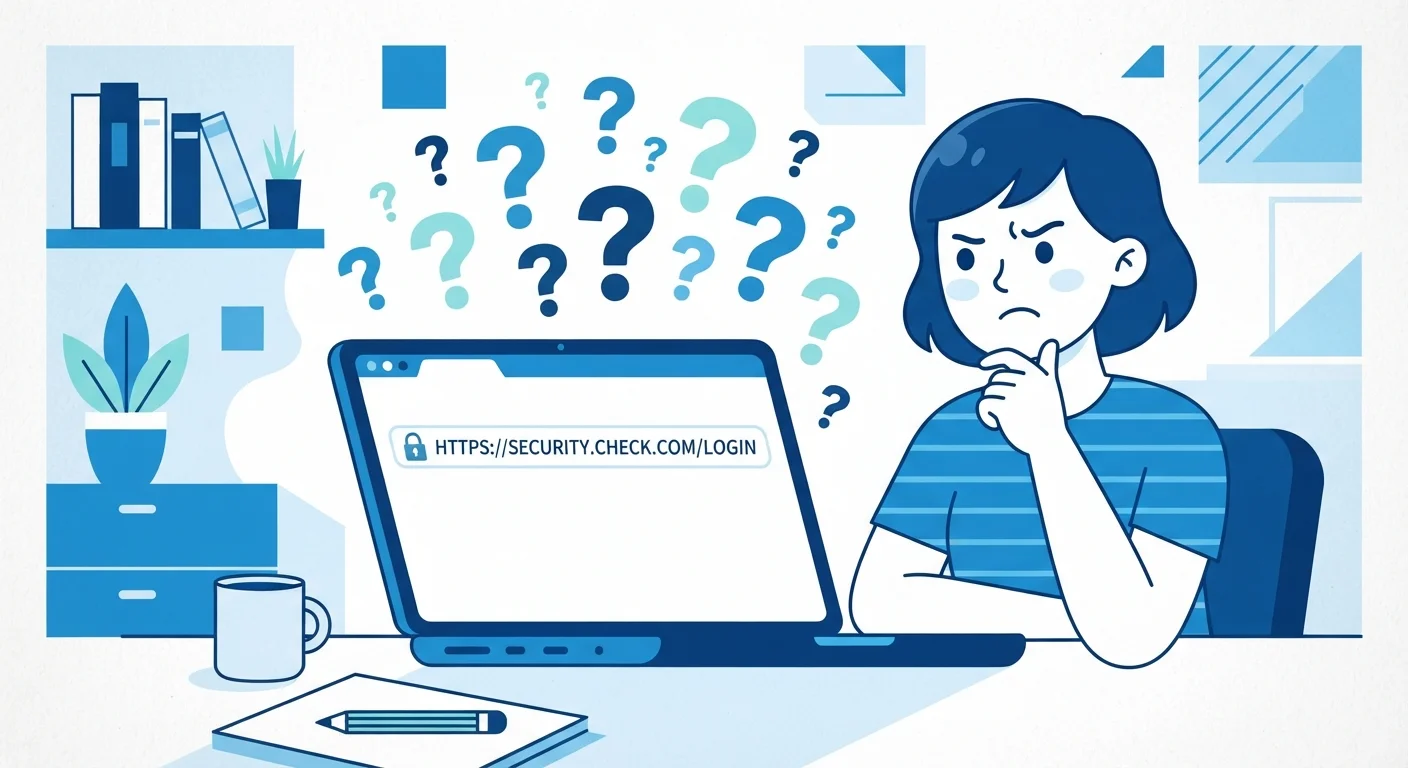
Why Internet Myths Are So Persistent
The internet is built on layers of invisible technology that most people never need to understand in detail — and that invisibility leaves plenty of room for misconceptions to take hold. When something works, we rarely question how. When it doesn't, we fall back on guesses that sound plausible but may be completely wrong.
These myths aren't trivial. Believing your browsing is private when it isn't, or trusting a website simply because it has a padlock, can affect your real-world security and privacy. The good news is that the truth behind these misconceptions is straightforward once it's laid out clearly.
Below, we tackle the most persistent internet myths Americans hold — and replace them with accurate, actionable understanding. If you're also curious about related misconceptions in other areas of life, you might find it interesting that the same pattern of stubborn myths appears in fields like health insurance and even budget travel.
Myth
Incognito mode makes you anonymous online — websites and your internet provider can't see what you're doing.
Fact
Incognito mode only prevents your browser from saving your history locally. Your internet service provider (ISP), employer networks, and the websites you visit can still see your activity.
Private or incognito browsing is designed for one specific purpose: keeping your browsing history, cookies, and form data off the device you're using. It's useful if you share a computer and don't want your searches saved locally.
What it does not do is hide your activity from the outside world. Your ISP can still see which sites you visit. If you're on a work or school network, the network administrator may also have visibility. Websites you visit still receive your IP address. For true anonymity online, you'd need tools like a VPN — and even those have limitations and vary in quality. Incognito is a local privacy tool, not a shield from the broader internet.
Myth
A padlock icon in your browser means a website is safe and trustworthy.
Fact
The padlock confirms that your connection to the site is encrypted, but it says nothing about whether the site itself is legitimate or honest.
The padlock — indicating HTTPS — means that data traveling between your browser and the server is encrypted. That's genuinely important: it prevents eavesdroppers from intercepting information like passwords or payment details in transit.
However, encryption says nothing about the character of the site owner. Phishing sites and fraudulent pages can and do use HTTPS. Cybersecurity researchers have noted that a significant share of phishing URLs use HTTPS, specifically to appear more credible. Always verify the domain name carefully, look for other trust signals, and be cautious about sites that arrive via unexpected emails or links. Our article on HTTPS and what that padlock really means covers this in full detail.
Myth
More bars on your phone means you'll get faster internet speeds.
Fact
Signal bars measure connection strength to a cell tower, not data throughput. Speed depends on many additional factors, including network congestion and the generation of cellular technology in use.
Signal bars are a simplified indicator — they tell your device how strongly it's communicating with the nearest tower. A strong signal means a stable connection, which is important, but it doesn't determine how fast data travels.
Data speed is also shaped by how many other users are on the same cell tower at the same time (congestion), which generation of wireless technology is active (4G LTE vs. 5G), and even your mobile plan's data priority or speed caps. You can have full bars and still experience slow speeds during a crowded event, for example. Speed and signal strength are related but are genuinely different measurements.
Myth
Restarting your router is just a placebo — it doesn't actually fix internet problems.
Fact
Restarting a router clears its memory, refreshes its connection to your ISP, and can resolve a range of genuine technical issues.
Routers run software and maintain active connections, and like any computing device, they can accumulate errors or become bogged down over time. A restart (power cycle) clears temporary memory, releases old IP address assignments, and forces the router to re-establish a fresh connection with your ISP's network.
This is a legitimate, commonly recommended troubleshooting step — not a myth perpetuated by tech support. It won't fix every problem (it won't repair a damaged cable or an outage on your ISP's end), but it resolves many common slowdowns and connectivity hiccups. Our guide on why your internet slows down explains which factors a restart can and cannot address.
Myth
Deleting your browsing history removes all traces of what you've done online.
Fact
Deleting local browser history only removes the record stored on your device. Your ISP, websites you visited, and any network you used may still retain logs of your activity.
Your browser's history is just one record among several. When you visit a website, your ISP logs the connection; the website's server logs your visit; and if you were signed into a Google, Apple, or other account, activity may be recorded there as well.
Clearing your local browser history is still worthwhile for privacy on a shared device, but it does not erase your digital footprint from external systems. Managing your online privacy fully requires understanding all the different places data is collected — browser, account, network, and server levels — and acting accordingly at each.
What These Myths Mean for Your Everyday Online Life
Understanding how the internet actually works helps you make smarter decisions — about the networks you connect to, the sites you trust, and the plans you pay for.
~80%
Phishing sites using HTTPS
The FBI's Internet Crime Complaint Center and cybersecurity researchers have noted that the majority of phishing URLs now use HTTPS, exploiting the padlock's trusted appearance.
1 in 3
Americans unsure what incognito mode actually does
Surveys on digital literacy in the US consistently find that a significant share of internet users overestimate the privacy protections offered by private browsing modes.
Take signal bars as an example. Many people assume more bars automatically means faster streaming or downloads. In reality, bars measure signal strength — how well your device communicates with a nearby tower — while your actual data speed depends on network congestion, the technology in use (such as 4G or 5G), and your plan's data limits. Our guide to download speed, upload speed, and latency explains exactly what each metric controls in everyday use.
Similarly, many users believe that a faster advertised broadband speed always equals a noticeably better experience. But for most common tasks — email, standard video calls, social media — speeds above a certain threshold make little practical difference. What matters more is consistency and low latency. See how different connection types compare in our breakdown of broadband, fiber, cable, and DSL.
Don't Rely Solely on a Padlock for Trust
Before entering personal information or payment details on any website, verify the full domain name in your browser's address bar — not just the padlock. Fraudulent sites increasingly use HTTPS to appear legitimate. If you arrived at a site through an unsolicited email or unexpected link, navigate directly to the organization's known address instead of clicking through.
Public Wi-Fi is another area clouded by myth. Some people assume any password-protected public network is safe; others avoid public Wi-Fi entirely out of excessive fear. The reality is more nuanced — certain tasks carry more risk than others. Our article on public Wi-Fi safety walks through which activities are generally low-risk and which deserve more caution.
Finally, if you've ever been told to "clear your cache" as a fix-all solution, you're not alone — but cache-clearing and cookie-clearing do different things. Learn exactly what each action does in our guide on clearing your cache. Building accurate mental models of these everyday tech tools is what separates confident internet users from frustrated ones.
Incognito Is Not an Invisibility Cloak
If you use incognito mode assuming your employer, school, or ISP cannot see your browsing activity, you may be taking risks you aren't aware of. Network administrators on institutional networks typically have the ability to log traffic regardless of your browser's private mode. For genuine privacy from network-level observers, research reputable VPN options and understand their limitations before relying on them.
The content on this site is for informational purposes only and is not a substitute for professional advice. Always consult a qualified professional for guidance specific to your situation.