

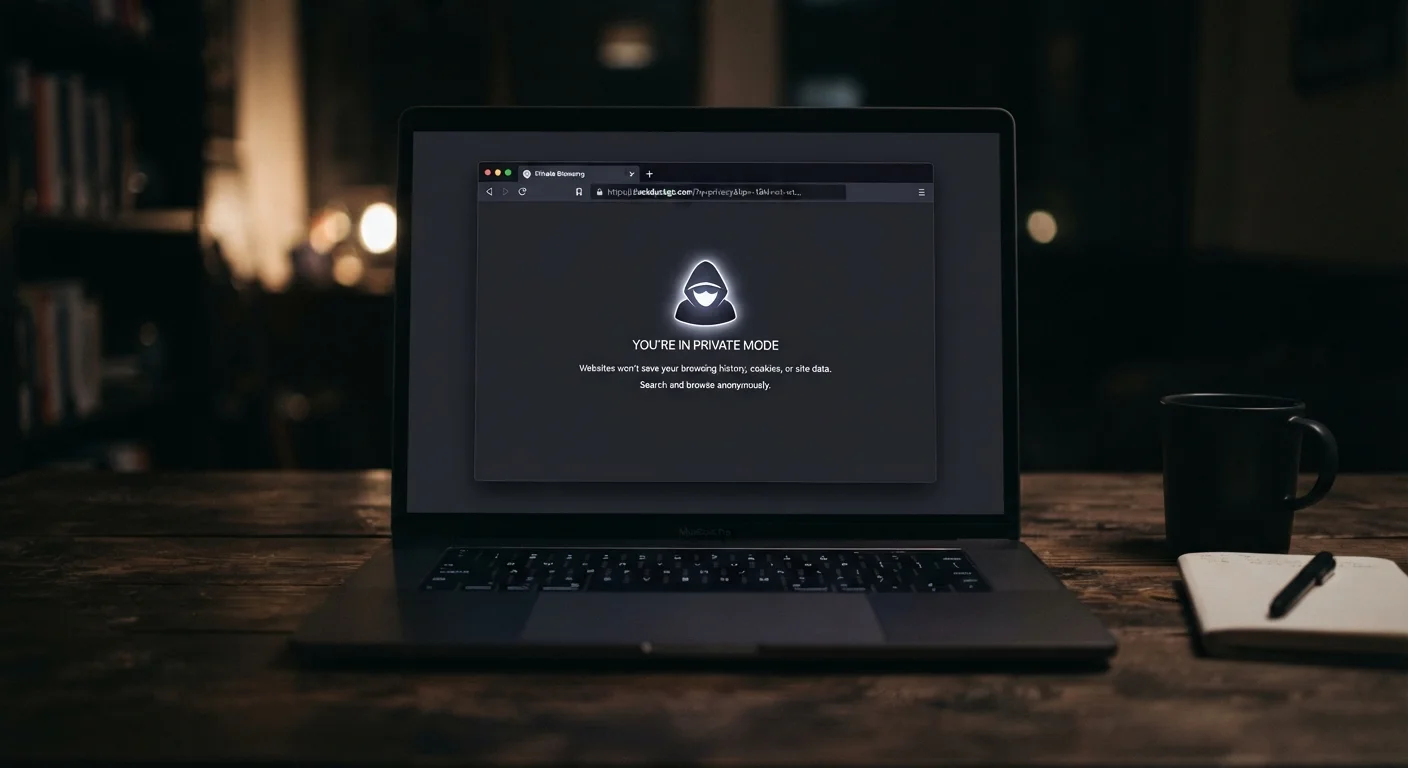
What Incognito Mode Actually Does
Private browsing - called Incognito in Chrome, Private Window in Firefox and Safari, and InPrivate in Edge - does one straightforward thing: it prevents your browser from saving your browsing history, cookies, site data, and form inputs on your device after the session ends. That's it. When you close the window, those traces disappear locally.
This is genuinely useful for a few specific scenarios: sharing a computer and not wanting your search history to appear in someone else's suggestions, signing into a second account without logging out of the first, or browsing without targeted ads following you across sites during that session. But the protection is narrow and entirely local.
For a broader understanding of what online privacy actually involves, our plain-English privacy starting point covers the core concepts without assuming any technical background.
The Myths - and What's True Instead
The gap between what people think incognito mode does and what it actually does is surprisingly wide. Below are the most persistent misconceptions, each paired with what the evidence actually shows.
Myth
Incognito mode makes me anonymous online - websites can't see who I am.
Fact
Websites still see your IP address and can use browser fingerprinting to identify you, regardless of incognito mode.
Every device connecting to the internet has an IP address, and that address is visible to every website you visit. Incognito mode does nothing to mask it. Beyond IP addresses, websites can also use browser fingerprinting - a technique that combines details like your screen resolution, installed fonts, time zone, and browser version into a near-unique identifier. None of that changes in a private window.
Myth
My internet provider can't see what I'm doing when I use incognito.
Fact
Your Internet Service Provider (ISP) sees all traffic passing through your connection, incognito or not.
Incognito mode operates at the browser level - it has no effect on your network connection. Your ISP routes your traffic and can see which domains you're visiting, even if it can't always read the full content of encrypted pages. ISPs in the US are legally permitted to collect and share certain browsing data, a fact that doesn't change based on which browser mode you use.
Myth
If I'm on a work or school network, incognito keeps my activity private from IT.
Fact
Network administrators can monitor all traffic on their network, including traffic from private browsing sessions.
When you connect to a workplace or school Wi-Fi, traffic flows through that organization's network infrastructure. Administrators using standard network monitoring tools see the same data whether you're in incognito mode or not. Some organizations also install security certificates on managed devices that allow them to inspect even encrypted traffic. Incognito mode provides no protection at the network level whatsoever.
Myth
Logging into my Google or social media account in incognito keeps me anonymous.
Fact
The moment you sign into any account, that platform ties all activity in the session directly to your identity.
Authentication overrides incognito's local protections entirely. Once you're logged in, the platform knows exactly who you are and can record every action you take: searches, clicks, time spent on pages. The only thing incognito prevents in this scenario is that your device won't store the session after the window closes - the platform's servers already have a full record.
Myth
Incognito mode protects me from viruses and malware.
Fact
Incognito mode has no security features related to malware; malicious downloads and scripts behave the same as in any regular window.
Private browsing is a privacy-adjacent feature, not a security feature. If you download a malicious file in an incognito window, it downloads to your device just as it would normally. Scripts running on compromised websites execute with the same permissions. The only marginal difference is that malicious cookies don't persist after the session - but by then any real damage is already done. Staying safe from malware requires up-to-date software and cautious behavior, not a private window. See common online safety myths corrected for more on this misconception.
For a side-by-side look at how incognito compares to a VPN - two tools often confused - see our explainer on what each one actually does.
What to Use When You Need Real Privacy
If your goal is genuine anonymity or protection from surveillance, incognito mode alone won't get you there. A VPN encrypts your traffic and masks your IP address from websites and your internet provider - though it shifts trust to the VPN provider itself. The Tor network routes your traffic through multiple servers to obscure your origin more thoroughly, at the cost of speed. Neither tool is perfect, but both address the threats that incognito mode simply ignores.
For most everyday users, building consistent privacy habits matters more than any single tool. Our guide on habits that keep everyday users secure covers the practical steps that make the biggest difference. And if you want the complete picture - how data is collected, who sees it, and what your real risks are - the complete online privacy guide walks through all of it without the jargon.
Incognito mode is a useful, limited tool. Knowing exactly where it stops working is the first step to making smarter choices about your privacy online.
The content on this site is for informational purposes only and is not a substitute for professional advice. Always consult a qualified professional for guidance specific to your situation.