

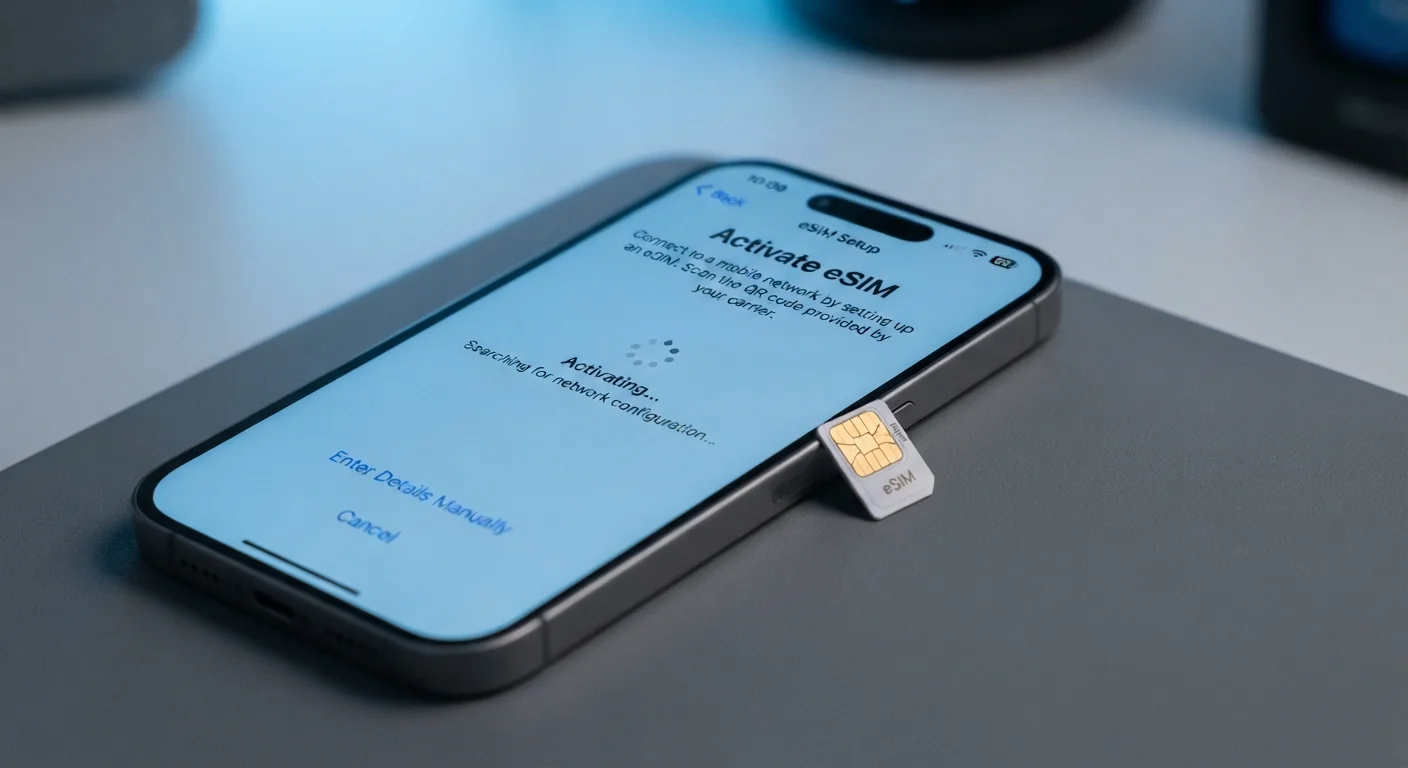
Option A
Physical SIM Card
The familiar, tangible standard for mobile connectivity.
Best for: Users who frequently swap phones manually, travel internationally with local SIM cards, or have older devices without eSIM support.
Option B
eSIM
The built-in, software-based upgrade to traditional SIM.
Best for: Users with newer smartphones who want faster carrier switching, easier travel setup, or the convenience of managing multiple lines digitally.
What Each SIM Type Actually Is
A SIM card (Subscriber Identity Module) is what connects your phone to a carrier's network. It stores your account credentials and tells the network who you are. Without a valid SIM, most phones can't make calls, send texts, or use mobile data.
A physical SIM is a small, removable chip — usually a nano-SIM today — that slides into a tray on the side of your phone. It comes from your carrier when you sign up for a plan and can be moved to another compatible, unlocked device.
An eSIM (embedded SIM) is a chip already built into your phone's circuit board at the factory. Instead of inserting hardware, you download a carrier profile digitally — either by scanning a QR code from your carrier or activating directly through the phone's settings. The profile stores the same account credentials a physical card would carry, but it lives entirely in software.
For a broader look at how plan types and networks fit together, see our guide to mobile plans in the US.
| Criterion | Physical SIM | eSIM |
|---|---|---|
| Form factor | Removable nano-SIM chip | Built into the device hardware |
| Carrier activation | Insert new SIM card | Download profile via QR code or app |
| Carrier switching speed | Requires physical card swap | Can switch in minutes digitally |
| Multiple lines support | One line per SIM slot | Multiple stored profiles, easy toggling |
| Device compatibility | Works on virtually all phones | Requires supported hardware |
| International travel use | Swap in a local SIM easily | Depends on carrier and destination support |
| Risk of loss or damage | Can be lost or damaged | No physical card to lose |
How Each Affects Carrier Switching and Plan Flexibility
One of the biggest practical differences between eSIM and physical SIM is how each handles switching carriers.
With a physical SIM, switching means obtaining a new SIM from your next carrier — either by mail, at a store, or through a retailer — then swapping it into your phone. The process works, but it involves a wait and a physical step.
With an eSIM, switching can often be completed entirely through your phone's settings or a carrier app. Many carriers in the US now support instant eSIM transfers, meaning you can be on a new network within minutes of deciding to switch. Some phones can store multiple eSIM profiles and let you toggle between them.
Crucially, your phone must be unlocked before either SIM type can connect to a new carrier. If your device is still locked to your original carrier, neither a new physical SIM nor an eSIM download will work until you request an unlock. Our article on switching carriers without losing your number walks through exactly what that process involves.
~90%
New flagship phones supporting eSIM
Industry analysts estimate the vast majority of premium smartphones sold in the US now ship with eSIM capability, with some models dropping the physical tray entirely.
Dual SIM
Common setup on modern US phones
Many current smartphones support both a physical SIM slot and an eSIM simultaneously, enabling two active lines on one device.
It's also worth knowing that eSIM doesn't automatically mean more flexibility on plan terms. Whether you're on prepaid or postpaid, contract commitments and early termination fees are set by your carrier agreement — not by your SIM format. For more on that distinction, see our breakdown of prepaid vs. postpaid plans.
Choosing the Right Option for Your Situation
Neither format is inherently better — the right choice depends on your device, habits, and carrier.
Check your phone first. If your device doesn't support eSIM, there's no workaround. Most flagship smartphones launched from 2020 onward include eSIM support, and some newer US models ship without a physical SIM tray at all. Mid-range and budget phones vary widely, so check your phone's specifications before assuming compatibility.
Consider your travel patterns. If you regularly travel outside the US and want to use affordable local data, carrying a physical SIM gives you maximum flexibility. eSIM-compatible international plans exist, but availability and pricing differ by destination.
Think about your switching frequency. If you like to compare plans and switch when a better deal appears, eSIM makes that process significantly less friction-heavy. Our checklist for evaluating any mobile plan can help you assess what matters most before you commit.
Finally, be aware that some carriers charge differently or offer different plan tiers depending on whether you activate via eSIM or physical SIM. Always confirm the details with your carrier directly before activating. And if you want help decoding the terminology in any plan description, our glossary of mobile plan terms covers the most common ones.
eSIM Profiles Are Tied to Your Account
When you activate an eSIM, the carrier profile is linked to your account credentials — not to the physical phone itself. If you get a new device, you'll need to transfer or re-download the profile through your carrier, which usually involves a verification step. Most carriers support this process through their apps or customer service. Always check your carrier's specific transfer policy before upgrading your phone.
The content on this site is for informational purposes only and is not a substitute for professional advice. Always consult a qualified professional for guidance specific to your situation.