

Why digital clutter is worth taking seriously
A disorganised digital environment creates the same friction as a cluttered physical space: things take longer to find, mistakes are easier to make, and the low-grade stress of not knowing where things are adds up. Whether it's a smartphone crammed with apps you never open or a downloads folder holding three years of unread PDFs, the underlying problem is the same — no consistent system.
The good news is that you don't need to be technically skilled to fix it. The six habits below are practical, beginner-friendly, and designed to work with the devices and operating systems most Americans already use every day.
Start with just one area
Trying to organise your entire digital life in a single afternoon often leads to giving up before finishing. Pick one category — photos, apps, or your downloads folder — and spend 15 minutes on it. Momentum from that first win makes the next category easier to tackle.
Six habits that bring real order to your digital world
Create a simple, consistent folder structure
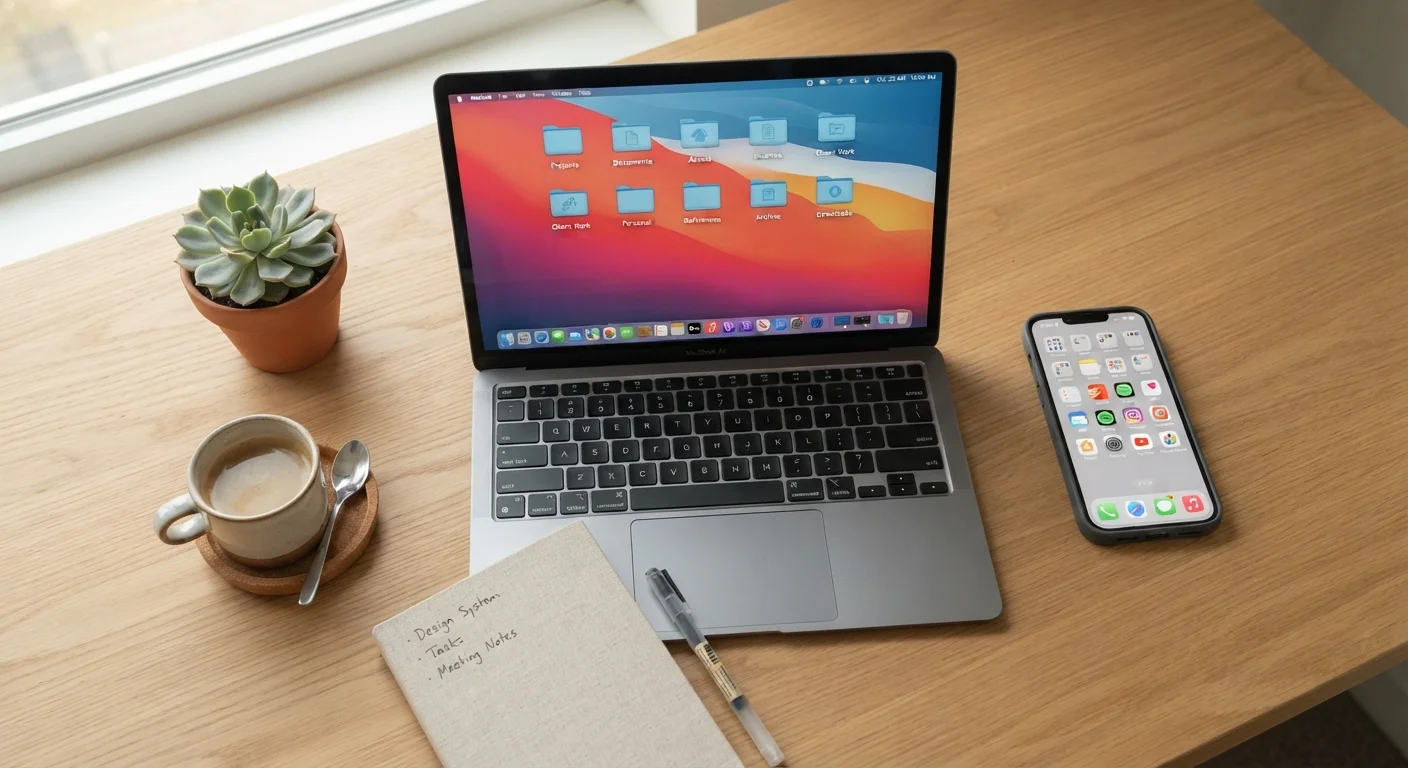
Most file chaos starts not from laziness but from never having a system in the first place. A folder structure doesn't need to be elaborate — it just needs to be consistent. Start with four or five broad categories that match how you actually live: Work, Personal, Photos, Finance, and Downloads are a solid starting set for most people.
Within each top-level folder, add one more layer of subfolders when needed (for example, Finance > 2024 Tax Docs). The key rule: always save files somewhere intentional, never just to the desktop or the default downloads location. Once the habit sticks, finding anything takes seconds instead of minutes.
Five broad folders and one rule — always save intentionally — ends most file chaos for good.
Name files so future-you can find them
A file called document1.pdf is essentially invisible when you need it later. Instead, name files with enough context to be searchable: include the date, subject, and version where relevant. A format like YYYY-MM-DD_subject_version (for example, 2024-03-15_lease-agreement_final.pdf) keeps files sorted chronologically in any folder view and makes searches instant.
Avoid vague terms like new, final2, or misc. If you're renaming a batch of old files, do five a day rather than trying to fix everything at once — small steady progress beats burnout.
A date-and-subject file name is the simplest upgrade you can make to your organisational system today.
Tackle photo clutter with a monthly review habit
Photos are the fastest-growing category of digital clutter for most people. Smartphones make it effortless to shoot dozens of similar shots, and those near-duplicates accumulate silently. A monthly 10-minute review — scrolling through that month's camera roll and deleting obvious throwaway shots — prevents the backlog from ever becoming overwhelming.
If you want to take better photos in the first place, good framing habits at the point of capture actually reduce how many retakes pile up. For long-term storage, moving organised photo albums to a cloud service or an external drive keeps your phone's internal storage breathing room. See our plain-English overview of how cloud storage works if you're not yet sure which approach suits you.
Ten minutes each month reviewing your camera roll prevents years of photo backlog building up unseen.
Audit and remove apps you no longer use
It's easy to install an app for a single task and forget it exists. Over time, unused apps take up storage, some continue running background processes, and they can contribute to a phone feeling sluggish. If you want to understand exactly why this happens, our article on why phones slow down over time explains the mechanics clearly.
A quarterly app audit takes about five minutes: scroll through every page of your home screen and ask whether you've opened each app in the past 30 days. If not, delete it. You can always re-download from the app store. Group the apps you do keep into labelled folders — Travel, Finance, Fitness — so your home screen stops feeling like a jumble.
A five-minute quarterly app audit removes the hidden drag that unused apps place on your device.
Use cloud storage as your safety net, not just extra space
Cloud storage (the practice of saving files to remote servers you can access via the internet) is often thought of as overflow space — somewhere to dump files when a device gets full. But its real value is as a backup layer. If your phone is lost or your laptop fails, files stored in the cloud remain intact and accessible from any other device.
For important documents — tax records, identification scans, insurance paperwork — keeping a cloud copy alongside a local one is a practical safeguard. If you travel and need your documents accessible, our guide on digital versus physical document copies weighs the trade-offs clearly. To understand exactly where those files go when you save them, this plain explanation of how the cloud works is a helpful starting point.
Cloud storage is most valuable as a backup layer, not just a dumping ground for overflow files.
Build a weekly reset routine
All the systems above work best when supported by a short weekly reset. Spend five to ten minutes at the end of each week clearing your desktop, moving items out of your Downloads folder into proper locations, and emptying the trash. This is the digital equivalent of clearing your desk before the weekend — it takes almost no time but delivers a real sense of control heading into the next week.
Small recurring habits like this tend to be more sustainable than periodic overhauls. The same principle applies across other areas of life: knowing what deserves your attention first is just as useful for digital tidying as it is for a work to-do list. If the mental overhead of managing your digital life feels disproportionate, it may be worth reading about signs your mental load is heavier than you realise.
A five-minute weekly reset prevents small digital disorder from compounding into an overwhelming backlog.
Security matters when tidying up
When deleting old files or accounts, be mindful of what personal information you're leaving behind on shared devices. Signing out of accounts and clearing browser data are basic steps worth including in any digital tidy-up. Our guide on keeping personal information safe on shared devices covers the essentials.
Keeping the order once you have it
Organising your digital life is not a one-time project — it's an ongoing practice that gets easier the more automatic it becomes. The habits above are designed to be lightweight enough to maintain without much thought once they're established. Much like the routines explored in our piece on habits that make budgeting easier over time, consistency matters far more than perfection.
If you ever feel the urge to simply step away from screens altogether, it's worth understanding what a digital detox can and can't realistically do — because a tidy digital environment often reduces that impulse on its own.
The content on this site is for informational purposes only and is not a substitute for professional advice. Always consult a qualified professional for guidance specific to your situation.