

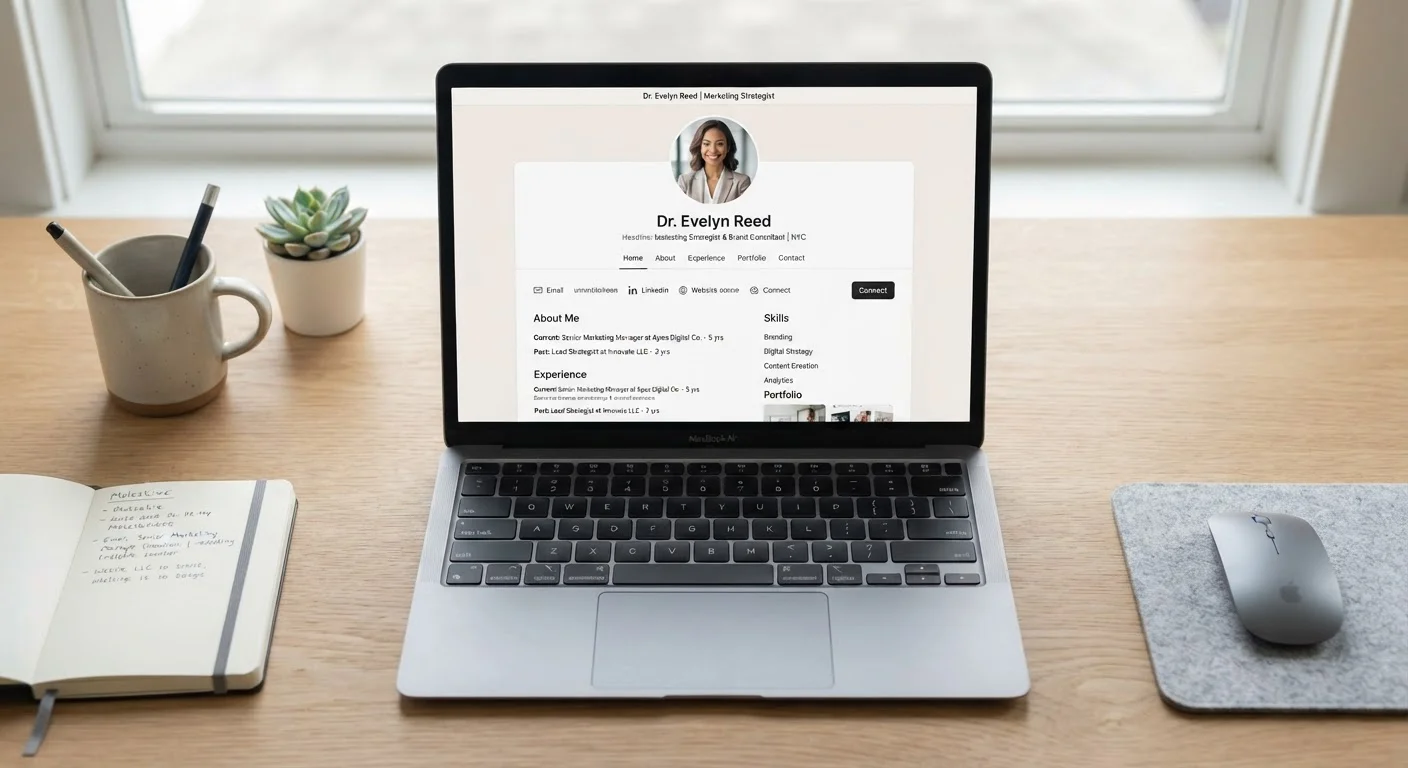
Why Your LinkedIn Profile Matters More Than You Think
Recruiters and hiring managers routinely use LinkedIn before they ever read a resume. Some search for candidates directly; others use it to verify applicants after receiving an application. Either way, your profile functions as a 24/7 first impression — and a thin or inconsistent one can quietly eliminate you from consideration before a single conversation happens.
Understanding what a strong profile actually includes — not just "fill everything out" — helps you use the platform strategically. As the job market shifts, today's job search looks different from even a few years ago, and a polished LinkedIn presence is now a baseline expectation in most industries.
| Recruiter search use | LinkedIn is used by the vast majority of professional recruiters to source and vet candidates (LinkedIn Talent Solutions industry reporting) |
| Profile photo impact | Profiles with photos attract significantly more views than those without (LinkedIn platform data) |
| Most important sections | Headline, About, Experience, and Skills |
| Headline character limit | 220 characters (LinkedIn profile specifications) |
| Custom URL benefit | Makes your profile link clean and shareable on resumes and email signatures |
| Open to Work visibility | Can be set to recruiters only or all LinkedIn members (LinkedIn privacy settings) |
The Profile Elements That Recruiters Actually Check
Not every section of a LinkedIn profile carries equal weight. Here's where to focus your energy:
Headline
Your headline is visible in search results, connection requests, and comment threads — it's prime real estate. Go beyond your job title. A headline like "Customer Service Rep" tells a recruiter your role; one like "Customer Service Rep | Specializing in SaaS Onboarding & Retention" tells them your value. Use relevant keywords that match the roles you're targeting.
About Section (Summary)
Think of this as a brief professional narrative — two to four short paragraphs that explain what you do, what you're known for, and what you're looking for next. Write in first person. Avoid vague claims like "passionate self-starter" and replace them with specifics: what industries you've worked in, what problems you solve, and what kind of opportunity interests you.
Experience Entries
Each role should include more than dates and a title. Add bullet points that describe accomplishments, not just duties. Quantify where possible: "Reduced onboarding time by 20%" is more compelling than "Helped with onboarding." Consistency between your LinkedIn experience and your resume also matters — discrepancies raise flags.
Skills & Endorsements
Add skills that match the language used in job postings you're targeting. LinkedIn's search algorithm surfaces profiles partly based on skills. Endorsements from colleagues add social credibility, though they're a secondary signal compared to your written content.
LinkedIn Headline
The short line of text displayed directly under your name on LinkedIn. It appears in search results and connection requests, making it one of the most-read parts of your profile.
About Section
A free-text summary field on LinkedIn where you can describe your background, expertise, and professional goals in your own words. It is one of the few places on the platform where you control the full narrative.
ATS (Applicant Tracking System)
Software used by employers to collect, filter, and rank job applications. LinkedIn profiles and resumes with relevant keywords are more likely to surface in ATS-driven searches.
Open to Work
A LinkedIn feature that signals to recruiters — or all users — that you are actively seeking new opportunities. Visibility can be limited to recruiters only for confidential searches.
Endorsements
A LinkedIn feature where connections can confirm that you possess a listed skill. Endorsements add social credibility to your skill section, though substantive written content remains more persuasive.
Common Mistakes That Undermine an Otherwise Good Profile
Several small missteps consistently weaken profiles that look complete at first glance:
- No profile photo: Profiles with photos receive significantly more profile views than those without. The photo doesn't need to be studio-quality, but it should be clear, recent, and professional in tone.
- Default headline after a job loss: If you've left a role and haven't updated your headline, LinkedIn may display your last title with no context. Set an active, forward-looking headline instead.
- A blank or generic About section: Leaving it empty — or filling it with buzzwords — wastes the one space where you can speak directly in your own voice.
- No custom URL: LinkedIn lets you create a clean profile URL (e.g., linkedin.com/in/yourname). A default URL filled with random characters looks unpolished on a resume or email signature.
- Open to Work set to maximum visibility without intention: The "Open to Work" badge is visible to all by default. If you're conducting a confidential search while employed, restrict visibility to recruiters only.
Before you submit your next application, use your profile as a supporting document — not an afterthought. Pairing a strong profile with a focused application strategy matters: applying broadly without targeting often produces weak results even when the profile is solid.
LinkedIn Profile vs. Resume: Know the Difference
Your LinkedIn profile and your resume serve related but distinct purposes. A resume is tailored to a specific job posting and is typically one to two pages. Your LinkedIn profile can be more expansive — showing a fuller career arc, recommendations, and ongoing activity. Consistency between the two is important, but they don't need to be word-for-word identical. Recruiters expect some variation in tone and depth.
Turning Your Profile Into an Active Job Search Tool
A complete profile is a foundation — an active one is what actually generates opportunity. A few habits make a real difference:
- Engage with content in your field. Thoughtful comments on industry posts increase your profile's visibility and signal that you're current and engaged.
- Request informational connections strategically. Connecting with professionals at companies you're targeting — with a personalized note — is more effective than mass connection requests.
- Keep your profile updated even when you're not job searching. Adding new skills, completed projects, or courses as they happen is easier than reconstructing your history during a rushed search.
When you're ready to apply, treat your LinkedIn profile as a companion to your resume, not a duplicate. A pre-submission checklist can help you confirm both documents align before anything reaches a recruiter. For broader career growth strategies, a strong LinkedIn presence is one of the most durable investments you can make in your professional visibility.
The content on this site is for informational purposes only and is not a substitute for professional advice. Always consult a qualified professional for guidance specific to your situation.